


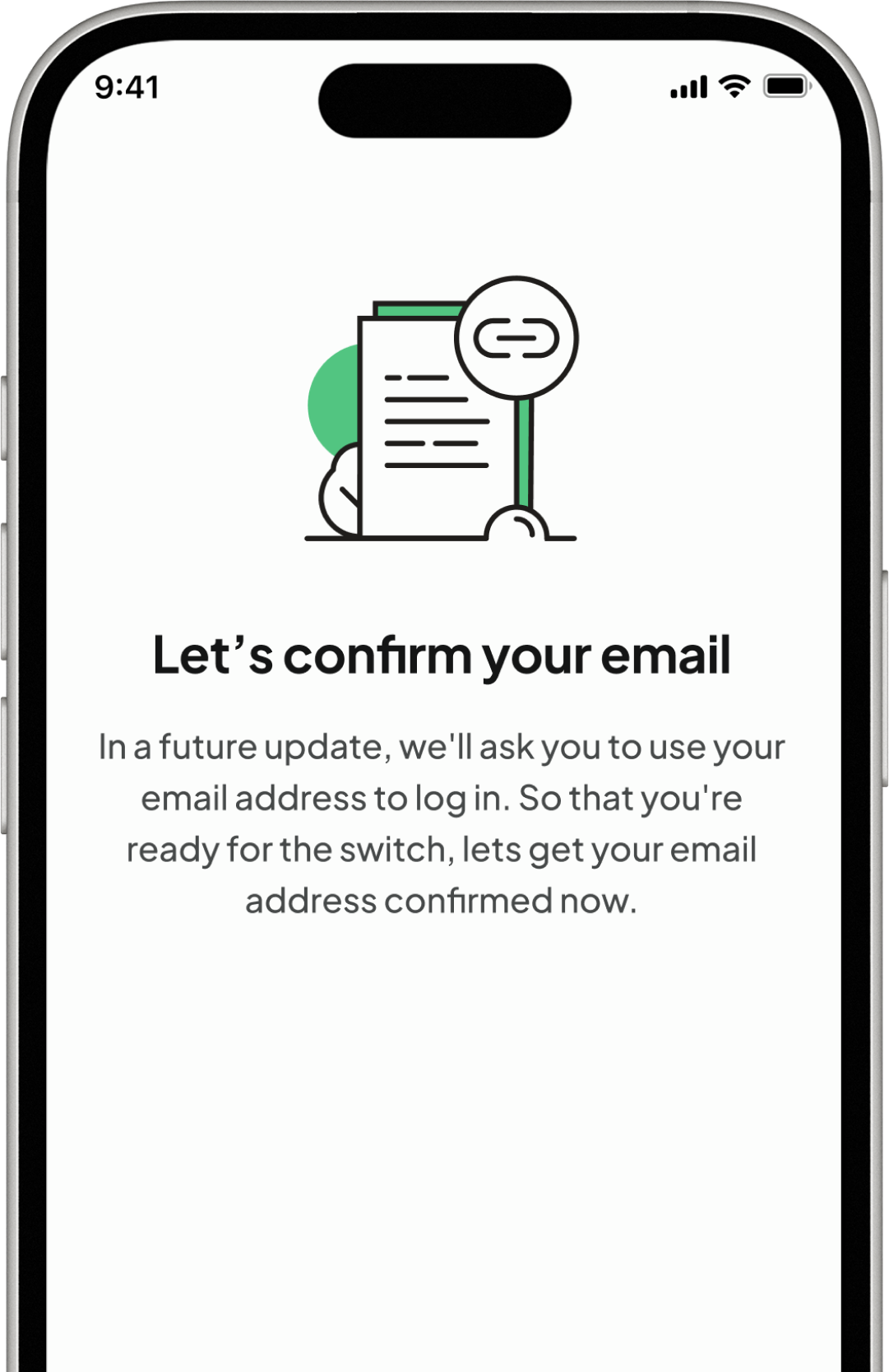
What's happening
Today, you sign in using your phone number and a one-time passcode sent to your phone.
Over time, we'll be moving to email verification instead. When that happens, we'll send your one-time passcode to your email address rather than your phone number.
To prepare for this change, we're asking all customers to verify their email address now. This helps us make sure we have the right email address for you before we switch.
For now, you'll continue to sign in exactly as you do today using your phone number and a one-time passcode sent to your phone.
Why we're doing this

Email verification offers additional protections and gives us more options for safeguarding your account.

If you change your phone number or are unable to receive text messages, you'll still be able to access your account through your email address.

A verified email address makes it easier for us to confirm your identity and help you regain access if you ever lose access to your account.
What you need to do
Open the app and verify your email when prompted. Three things might happen, depending on the information we have on file for you:
If the email address we show you is correct
Simply confirm it. This should take less than a minute.
If you don't have an email address on file
You'll be asked to add one and then verify it using a one-time passcode sent to that email address. This should only take a few minutes.
If the email address we show you is incorrect
You'll need to contact us to update it. You can do this by Live Chat in the Tandem app or alternatively via phone on 0203 370 0970 both available Monday to Friday 9am till 5pm.
We don't allow existing email addresses to be changed directly in the app because changing the email linked to an account is exactly the type of action fraudsters commonly target. Completing identity checks before making that change helps keep your account secure.
When will this happen?
Now until 15 November 2026
Verify your email whenever it suits you. You'll continue to sign in with your phone number exactly as you do today.
Later in 2026
Once customers have verified their email addresses, we'll move from phone-based verification to email-based verification.
After the switch
You'll sign in using a one-time passcode sent to your email address instead of your phone number.
There's no need to do this immediately. However, if the email address we hold for you is incorrect, updating it can take longer than a simple verification, so it's worth checking sooner rather than closer to the deadline.
What happens if you don't verify your email?
If your email address hasn't been verified by 15 November 2026, you won't be able to continue signing in with a one-time passcode sent to your phone once we've completed the move to email verification.
You won't lose access permanently. You'll simply need to contact us so we can verify your identity and confirm your email address before you can access your account again.
Is this really from us?
Yes, but it's always worth checking.
Email verification will only ever be requested inside the app. We will never ask you to verify your email by text message, email or by clicking a link.
We will never ask for your password or a one-time passcode over the phone.
If you receive a text message, email or phone call claiming to be about email verification, treat it as suspicious and contact us directly before taking any action.
Frequently Asked Questions


No. You have until 31 August 2026 to verify your email address. Until then, you'll continue to sign in using your phone number and a one-time passcode sent to your phone.
No. Verifying your email now doesn't change how you sign in today.
You'll continue to sign in using your phone number and a one-time passcode sent to your phone until we complete the move to email-based verification. Once that change happens, one-time passcodes will be sent to your email address instead.
If the email address shown isn't yours or is no longer up to date, please contact Customer Support. They'll help verify your identity and update your account details if needed.
You can contact Customer Support by Live Chat in the Tandem app or alternatively via phone on 0203 370 0970 both available Monday to Friday 9am till 5pm.
For security reasons, existing email addresses linked to an account can't be changed within the app. If you need to update your email address, please contact Customer Support, who will verify your identity and make the change for you.
You can contact Customer Support by Live Chat in the Tandem app or alternatively via phone on 0203 370 0970 both available Monday to Friday 9am till 5pm.
You can skip the prompt twice. After that, you'll need to verify your email before continuing. You can also verify it at any time from your Profile, while logged in to the app.
Once we've moved to email-based verification, one-time passcodes will no longer be sent to your phone number.
You'll need to contact us so we can verify your identity and confirm your email address before restoring access to your account.
No. This only affects how you verify your identity when signing in. Your savings, balances and account remain unchanged.
Moving from phone-based verification to email-based verification gives us more options for account security and recovery, helping us better protect your account and restore access more quickly if you ever lose it.
Still need help?
If your question isn't answered here, please contact us and we'll be happy to help.